
With the widespread adoption of digital SIMs, securing affordable data in Japan has never been easier—especially if you know where to look for free trial periods. However, with varying data allowances, network speeds, and compatibility issues, choosing the right one can be tricky. In this guide, I’ll explore the top free eSIM trial offers available in Japan in 2026, compare their features, and explain how to activate them step by step. You’ll also learn useful tips to ensure your device is compatible and your setup goes smoothly.
What Is a Free eSIM Trial?
A free eSIM trial is a promotional offer that lets you test a mobile network using a digital SIM card without paying upfront. Instead of inserting a physical SIM, you install an eSIM profile on your compatible smartphone by scanning a QR code or activating it through an app. Once installed, the eSIM connects to a local mobile network and provides a small amount of free data for a limited time.
Most free trials include 100MB to 1GB of data and remain valid for a short period, usually from 1 day to 30 days. The goal is to let users check network speed, coverage, and compatibility before committing to a paid plan.
For travelers, a free eSIM trial can be especially useful because it provides instant internet access after arrival—helping you use maps, ride-hailing apps, translation tools, and messaging services without needing to buy a SIM card at the airport.
🔸 Key Aspects of Free eSIM Trials:
-
Convenience: You can activate a plan instantly in an app or via a QR code without visiting a store.
-
International Use: Many trials cover multiple countries, allowing for, for example, 100MB–5GB of data across 100+ destinations (e.g., GigSky).
-
No Obligation: Most trials do not require a credit card or contract, allowing you to test and leave if the service does not meet your needs.
🔸 How It Works:
Most free trials follow a simple "Try Before You Buy" logic:
-
Eligibility Check: You must have an unlocked phone that supports eSIM technology (generally iPhone XR/XS or newer, and most flagship Androids from 2020 onwards).
-
App Download: You usually download the provider's app (like Airalo, T-Mobile, or Eskimo).
-
Digital Installation: The app installs a virtual SIM profile onto your device.
-
Instant Activation: Once you reach the destination (like Japan) or toggle the line "On," the trial begins.
Why Try a Free eSIM in Japan?
Japan has one of the most advanced mobile infrastructures in the world, but it is also a "digital fortress" with strict regulations and complex network bands.Trying a free eSIM before you commit to a 30-day paid plan is essentially your technical insurance policy.Here is why it’s a smart move for your trip:
1. The "Frequency Band" Check
Unlike Europe or the US, Japanese carriers (especially NTT Docomo) use unique frequency bands like Band 19 and Band 21.
-
The Risk: Just because your phone is "unlocked" doesn't mean its hardware can talk to every Japanese tower.
-
The Trial Benefit: A free 100MB trial lets you verify that your specific phone model can actually "see" and connect to the local 4G/5G signal before you spend $30+ on a large data pack.
2. Bypassing the "Airport Wi-Fi Trap"
A common disaster is travelers landing at Narita or Haneda and finding they can't download their eSIM because the airport Wi-Fi is too congested or has security blocks.
- The Strategy: By setting up a free trial at home, you ensure the eSIM profile is already "sitting" on your phone. The moment you step off the plane, you can toggle it on to get instant maps and translation while everyone else is huddled around the airport information desk.
3. Comparing Local vs. Roaming Routes
Not all eSIMs are created equal. Some "roam" (sending your data from Tokyo back to Europe/US and then back to Tokyo), which causes a delay (high latency).
- The Test: Use a trial to see if your favorite apps—like Google Maps, Japan Transit by Jorudan, or Google Translate—load instantly. If the trial feels sluggish, you’ll know to look for a "Local" eSIM provide instead of a "Global" one.
4. Zero-Risk Network Testing
Japan's "Big Three" carriers have different strengths:
-
SoftBank: Generally the best for Tokyo/Osaka city centers.
-
NTT Docomo: The undisputed king for rural areas (hiking in Nagano or visiting Hokkaido).
-
Trial Advantage: You can download two different free trials (e.g., one on SoftBank and one on Docomo) to see which one has more "bars" in your specific hotel or neighborhood.
5. Essential for Google Pixel Users
Recent data from 2025–2026 suggests certain Google Pixel models (Pixel 8 through 10) can sometimes show "full bars" in Japan but fail to move any data due to configuration glitches. Using a tiny free trial confirms your device isn't one of the unlucky ones before you're stranded without a connection.
Free Japan eSIM Trial Comparison
|
Provider |
Trial Offer |
Validity |
Local Network |
Key Advantage |
|
500MB (Global) |
2-Year |
NTT Docomo / KDDI |
Completely free; no credit card required. |
|
|
100MB |
7 Days |
SoftBank (Primary) or KDDI |
Good for a quick signal test upon landing. |
|
|
1GB |
7 Days |
SoftBank / NTT Docomo |
Full 5G speeds (up to 200Mbps). |
|
|
500MB |
2 Days |
NTT Docomo |
Via Email / QR Code (No app download required). |
|
|
1GB |
3 Days |
SoftBank / KDDI |
Highly reliable app; frequently offers "first-timer" freebies. |
1. Eskimo (The Only "True" Free Trial)
Eskimo is currently the most generous provider for Japan because it offers a genuine trial with no credit card required. Their unique selling point is the 2-year validity—any data you get today (including the free trial) won't expire for 24 months.
In Japan, Eskimo typically roams on NTT Docomo or KDDI (au), providing excellent coverage from Tokyo skyscrapers to the rural shrines of Kyoto.Unlike some trials, Eskimo allows you to share your data via hotspot to your laptop or other devices.This isn't just a "Japan SIM." If you have a layover in Singapore, Korea, or Taiwan, the same trial data will work there automatically.
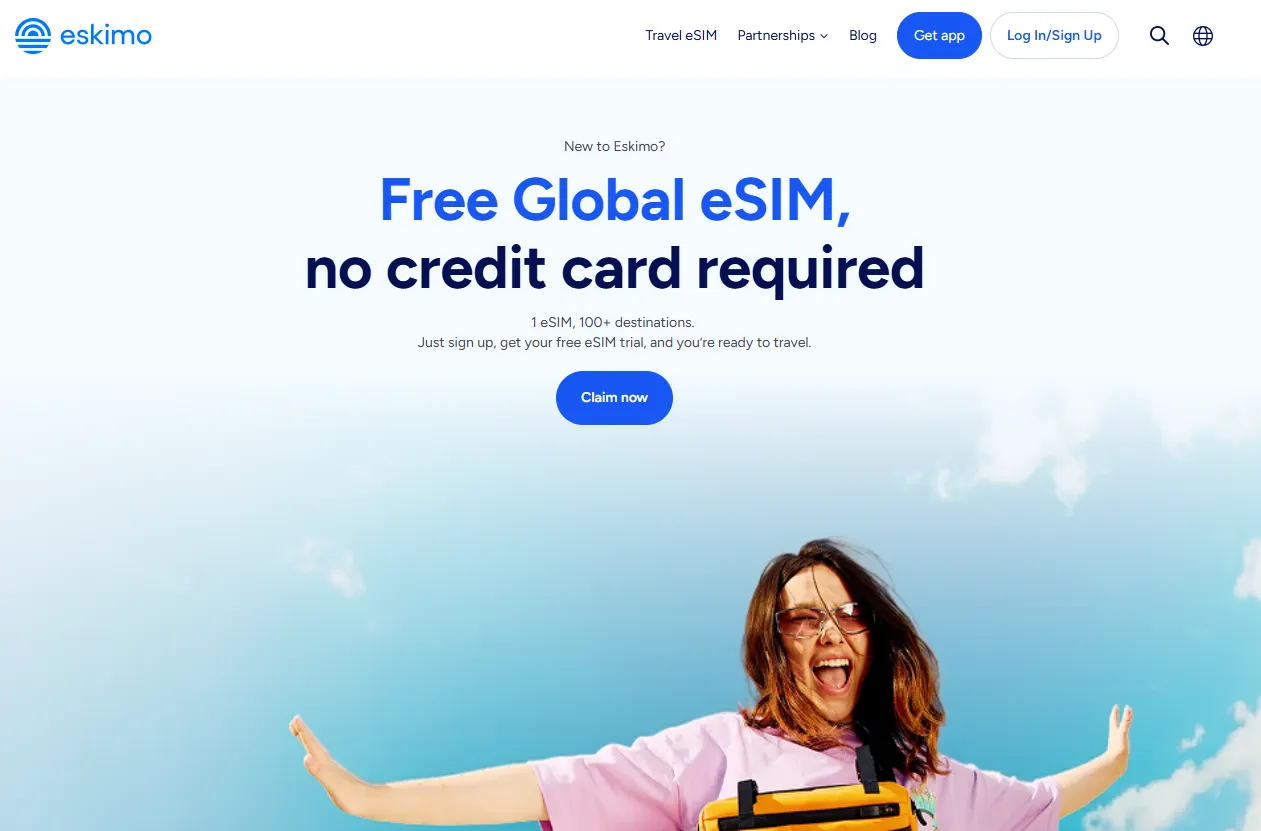
What you get during the trial:
While the standard signup sometimes offers 250MB, you can currently unlock 500MB to 1GB of global data (usable in Japan) using specific referral or voucher codes.Current 2026 Working Codes:
-
FREE500MB: The most reliable code for 500MB of free data.
-
FYESIM: Often unlocks 1GB of free global data for new users.
-
Alertify: A promotional code sometimes offering 1GB.
How to activate:
-
Download the Eskimo App: Available on both iOS and Android, the Eskimo app is your gateway to global connectivity.
-
Sign Up: Register a new account within the app using social logins like Gmail, Facebook or Apple Account. You can also sign up using your email or mobile number and retrieve the OTP via WhatsApp, SMS, or phone call.
-
Redeem Your Data: Fill in your details where required. Enter code FREE500MB in the referral field to unlock your complimentary 500MB Global eSIM, no credit card required.
-
Claim Your eSIM: An eSIM compatible device is required to claim the free eSIM. Go to the DATA page -> click How to Install eSIM -> follow the step-by-step guide to install your eSIM for your iPhone or Android.
2. GigSky Free Trial
GigSky’s offering for Japan is one of the most reliable "true" trials available. Unlike many other providers that require a referral code or a purchase to trigger a discount, GigSky typically offers a direct 100MB free trial specifically designed for testing their network performance.
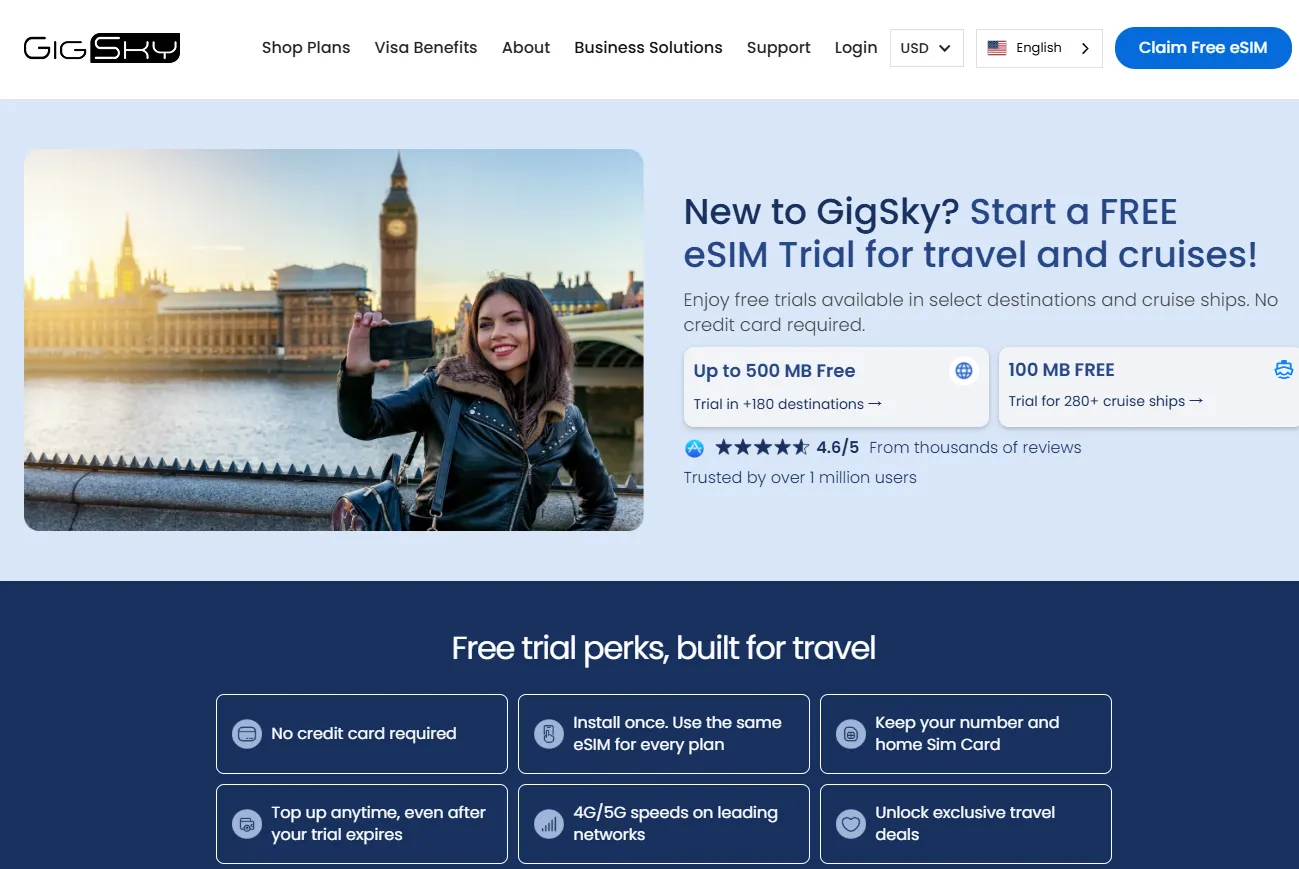
What you get during the trial:
-
100MB of mobile data.
-
If you have an eligible Visa card (Visa Infinite or Signature), you can often claim 1GB to 5GB for free via the "Offers" section of their app.
How to activate:
The process is streamlined through their mobile app to prevent "trial stacking":
-
Download the App: Get the GigSky app from the App Store or Google Play Store before you leave for Japan.
-
Create an Account: Sign up with your email. You typically don't need to enter payment details for the 100MB trial.
-
Search for Japan: In the plan search bar, type "Japan."
-
Select the Free Trial: Look for the plan labeled "100MB Free Trial" (sometimes listed under "World" or "Asia Pacific" depending on current promos).
-
Install the eSIM: Follow the on-screen prompts to download the eSIM profile to your device.
-
Toggle on Landing: When you land at Narita, Haneda, or Kansai, turn the GigSky line ON and ensure Data Roaming is enabled for that specific line.
3. Maaltalk Free Trial
In 2026, Maaltalk (specifically through their MaaltalkNow app) has become one of the most aggressive competitors in the Japan eSIM market, often offering one of the largest free trials available.Unlike other providers that offer tiny 100MB samples, Maaltalk typically provides a much more functional trial to new users.New users can claim a 1GB free eSIM valid for 7 days after downloading the app and signing up. The QR code is delivered by email and can be installed instantly.
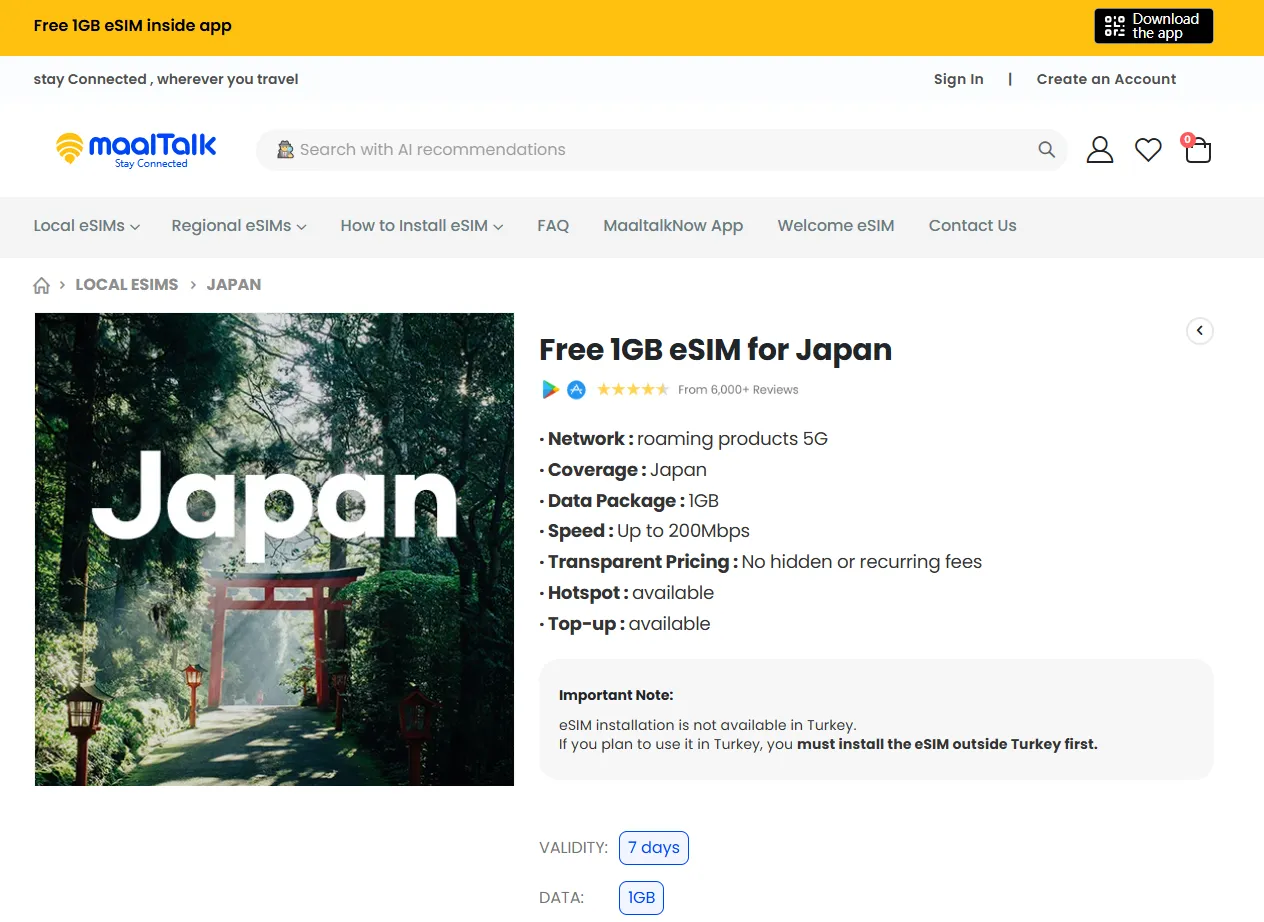
What you get during the trial:
-
Free 1GB eSIM valid for 7 days.
-
Includes 1,500 points for free international outbound calls via the app.
While many trials throttle you to 4G, Maaltalk’s 2026 partnership with SoftBank often allows for full 5G speeds (up to 200Mbps).And you can share the 1GB trial with your laptop or a travel partner's phone.
How to activate:
Maaltalk has moved away from QR codes for their trial, opting for a "one-tap" installation via their app to verify your device's eligibility.
-
Download "MaaltalkNow": Search for the MaaltalkNow app on the App Store or Google Play.
-
Sign Up: Create an account using your email or social login.
-
Claim the Event: Look for the "Free 1GB eSIM Event" banner on the home screen.
-
One-Tap Install: Select Japan as your destination. The app will verify your device and install the eSIM profile directly.You can do this before your trip, but the 7-day timer starts as soon as it connects to a Japanese tower.
-
AI Travel Tools: Once the eSIM is active, the app unlocks its AI "Smart Lens," which allows you to take photos of Japanese menus or signs for instant translation—a great pairing with the free data.
4. Nomad Free Trial
Nomad offers what is widely considered the best "all-around" trial for Japan. While other providers give you just enough data to send a few texts, Nomad’s trial is substantial enough to actually help you navigate from the airport to your hotel.
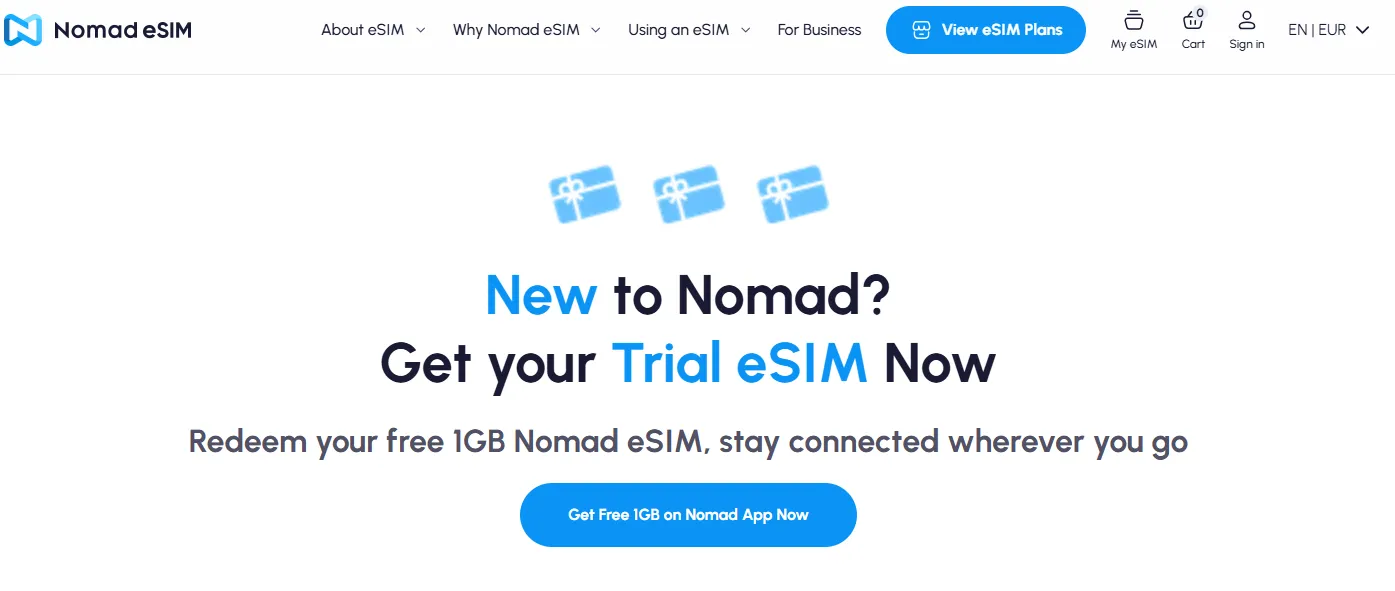
What you get during the trial:
-
Free 1GB eSIM data for 3 days.
-
Supports hotspot tethering.
How to activate:
The trial is "app-exclusive," meaning you won't find it on their website. Follow these steps:
-
Install the App: Download the Nomad eSIM app (available on iOS and Android).
-
Look for the Banner: On the home screen, new users will usually see a yellow banner or a pop-up saying "Get your free 1GB trial eSIM."
-
Select Japan: Choose Japan as your destination. Nomad will perform a quick compatibility check on your phone.
-
Redeem & Install: Tap "Redeem 1GB for Free." You can install the eSIM immediately via the "one-tap" method (no QR code scanning needed).
-
Activation: The 3-day timer only starts when the eSIM connects to a Japanese network. You can safely install it a few days before your flight.
5. WG FREE eSIM
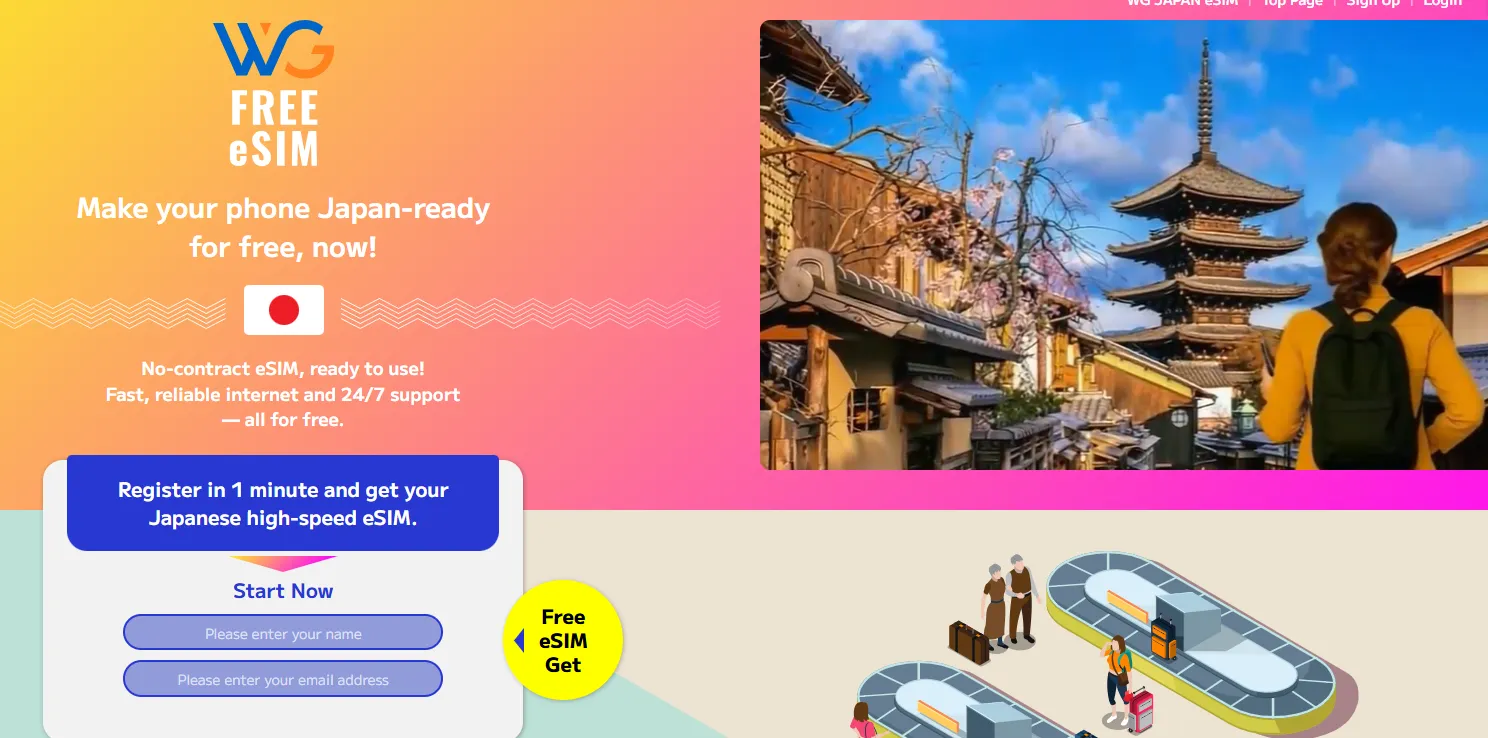
WG FREE eSIM (offered by WirelessGate) has emerged as one of the most popular "emergency" or "landing" eSIMs for Japan. It is specifically designed to solve the "I just landed and have no Wi-Fi" crisis.Unlike many other providers, WG focuses on a very simple, app-free installation process.
WG uses the NTT Docomo network. This is crucial if your first destination is a more remote part of Japan (like a ski resort in Nagano or a temple in Koyasan), where other carriers like SoftBank might struggle.
What you get during the trial:
- Free 500MB eSIM data for 2 days.
How to activate:
The process is designed for speed and requires no credit card:
-
Register: Go to the WG WirelessGate website.
-
Verify Email: Enter your name and email address. You will receive a verification link.
-
Receive QR Code: Once verified, WG will email you a QR code instantly.
-
Scan & Install
-
Activate in Japan: The eSIM is pre-provisioned. Once you land in Japan, simply turn the line ON and ensure Data Roaming is enabled.
Step-by-Step Setup and Activation Tips
Getting your eSIM to work smoothly in Japan is easy if you follow these steps.
1. Pre-Trip Compatibility Check (Crucial!)
-
Check for SIM Lock: Your phone must be "SIM-unlocked" or "carrier-unlocked." Go to Settings → General → About → Carrier Lock. If it says "No SIM restrictions," you're good to go.
-
Confirm eSIM Support: Most modern phones (iPhone XS/XR and newer, Google Pixel 3 and newer, Samsung Galaxy S20 and newer) support eSIM. To double-check, open your phone dialer and enter *#06# . If you see an EID number listed, your phone is eSIM-ready.
2. Install Before You Go
-
Use Wi-Fi: Always install your eSIM while connected to a stable Wi-Fi network before you leave for Japan . This prevents any issues at the airport.
-
How to Install:
-
-
iPhone: Go to Settings → Cellular (or Mobile Data) → Add eSIM → Use QR Code. Scan the code from your provider.
-
Android: Go to Settings → Connections (or Network & Internet) → SIM Manager → Add Mobile Plan. Scan the QR code.
-
3. Activate Upon Arrival in Japan
-
Once you've landed, turn on your new eSIM line:
-
Go to Settings → Cellular/Mobile Data.
-
Turn ON the "Japan eSIM" line.
-
Under Cellular Data, select the Japan eSIM as your default line for data .
-
Crucial: Ensure Data Roaming is turned OFF for your primary (home) SIM card to avoid unexpected charges . You can keep the line itself on to receive calls/SMS to your home number.
-
-
APN Setup (If Needed): Some providers, especially those with a "native connection," may require an extra step. If you can't connect, check your provider's email or manual for an APN (Access Point Name) profile to install or manually enter.
-
Restart Your Phone: After making all changes, a simple restart often finalizes the connection.
⚠️Important Considerations:
-
❶ Data Limits: 500MB will vanish in minutes if you use Instagram or TikTok. Stick to Google Maps and WhatsApp to make the trial last.
-
❷ No Phone Number: Almost all free trials and travel eSIMs are data-only. You will not get a $+81$ Japanese phone number for calls or texts.
-
❸ Local IP vs. Roaming IP: Trials like Eskimo route data through global servers, which might cause a slight "lag" (higher latency) compared to a local provider like Sakura Mobile.