eSIMs are changing how we stay connected in Malaysia—faster, more flexible, and increasingly popular among both tourists and residents. But if you’re new to this technology, you probably want to try before you buy. Fortunately, several providers now offer free trial plans specifically for the Malaysian market. These trials let you experience mobile data service without paying a cent, and setting one up takes only a few taps on your phone. In this article, we compare the best zero-cost eSIM trial offers available right now, and walk you through the entire process—from checking device compatibility to final activation. Ready to go digital without risk? Let’s dive in.
Best Free eSIM Trials in Malaysia
|
Provider |
Free Data |
Validity |
Target Users |
Requires ID? |
Local Malaysian Number |
|
10GB + unlimited calls |
7 days |
New Malaysian residents |
Yes |
Yes |
|
|
100GB |
24 hours |
Foreign passport holders (non-Malaysian tourists) |
Passport |
Usually no |
|
|
1GB |
3 days |
All new users |
No |
No |
|
|
100MB |
7 days |
All new users |
No |
No |
|
|
500MB |
2 years |
Multi-country travel |
No |
No |
|
|
Unlimited low-speed |
Ongoing |
Messaging & maps only |
No |
No |
1. U Mobile ULTRA5G Trial
For Malaysian residents or long-term visitors with local identification, U Mobile offers a separate trial: 10GB of data and unlimited local calls for 7 days. This is designed to let new users test U Mobile’s 5G network coverage.U Mobile says its ULTRA5G network reached 82.9% population coverage in early 2026.This is by far the most generous free eSIM trial available anywhere in the region.
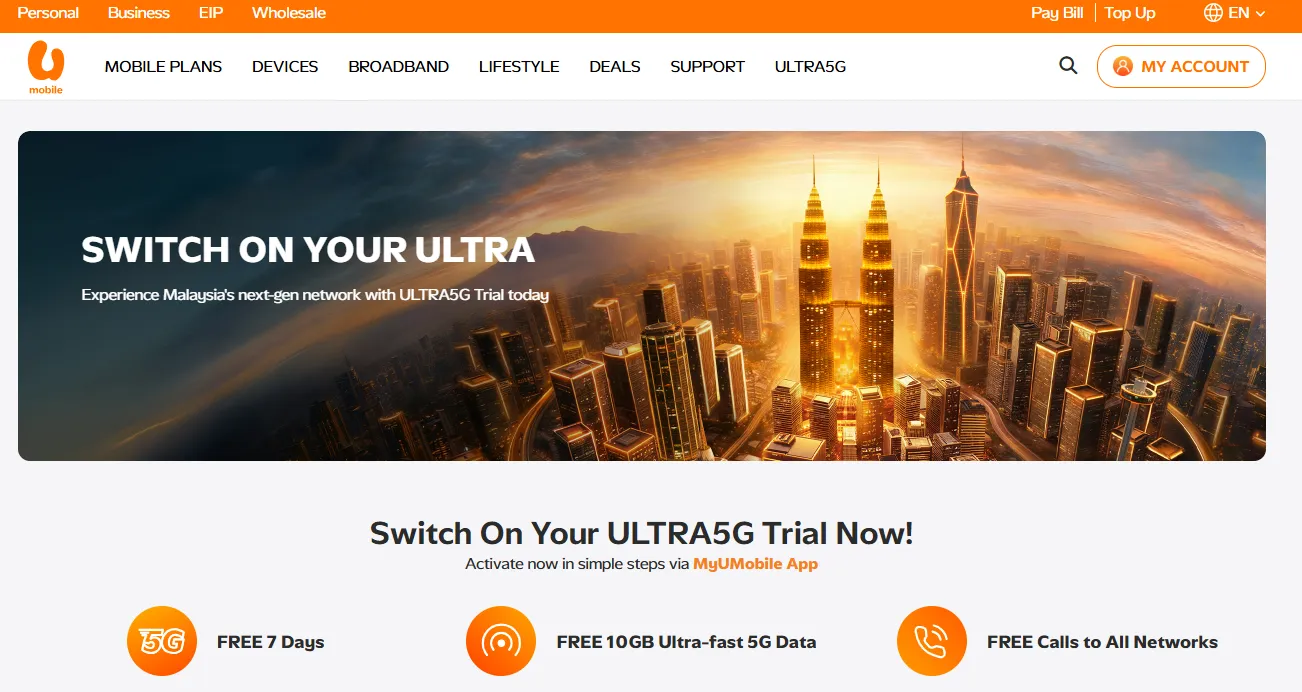
What You Get:
-
10GB free data
-
Unlimited local calls
-
Native Malaysian network access
Requirements:
You’ll need:
-
An eSIM-compatible phone
-
Passport or Malaysian ID
-
Facial verification
-
MyUMobile app
The trial is limited to one redemption per user.
How to Activate:
-
Download the MyUMobile App (iOS; Andriod). Ensure your MyUMobile App is updated to version 3.13.11 or above.
-
Read and agree to the Terms & Conditions to activate your ULTRA5G Trial.
-
Complete your ID and facial verification.
-
Fill in your details.
-
Download and install your eSIM. Your eSIM details will be sent to your registered email. Set U Mobile as your default mobile data SIM.
2. U Mobile Free Tourist eSIM
U Mobile has introduced an exceptional free eSIM for foreign tourists visiting Malaysia in celebration of Visit Malaysia 2026. This offer provides 100GB of high-speed 5G/4G data with no speed cap for 24 hours at absolutely no cost.
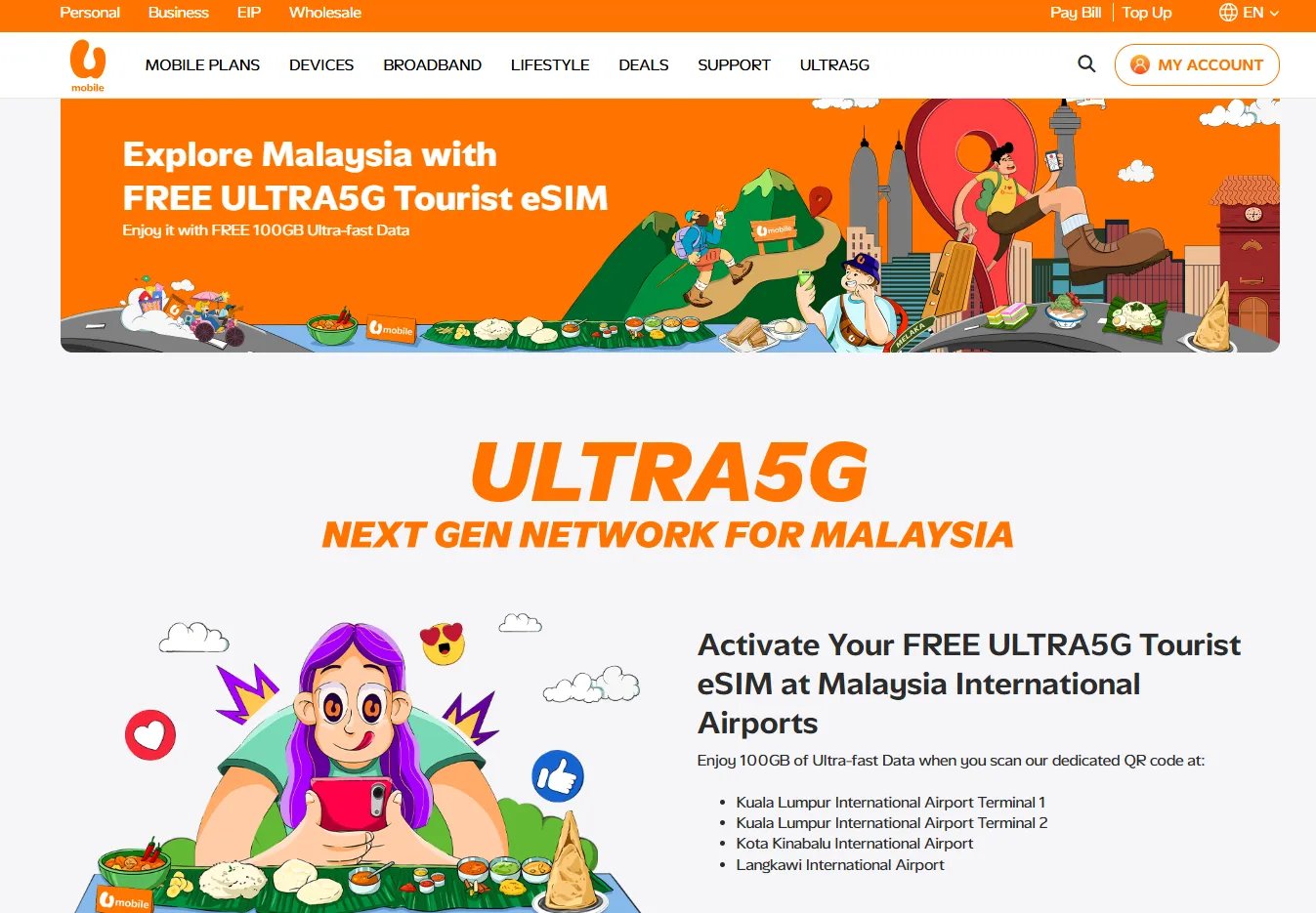
What You Get:
-
100GB of ultra-fast data
-
5G/4G access
Requirements:
-
Foreign passport holders (non-Malaysian tourists). Existing U Mobile subscribers are not eligible.
-
Limited to one redemption per person for the lifetime of the offer.
- eSIM-compatible device mandatory (no physical SIM option).
How to Activate:
Scan the dedicated U Mobile tourist QR codes displayed in the arrival halls of KLIA Terminal 1 & 2, Kota Kinabalu International Airport (KKIA), or Langkawi International Airport (LIA). Complete verification in the MyUMobile app.
3. Nomad Free Trial
Nomad is a popular global eSIM store that frequently runs promotional trials to encourage travelers to try their slick, user-friendly interface.It offers 1GB of data valid for 3 days across 81 destinations, including Malaysia. Every new user gets one free trial eSIM, with no contracts and no hidden fees.
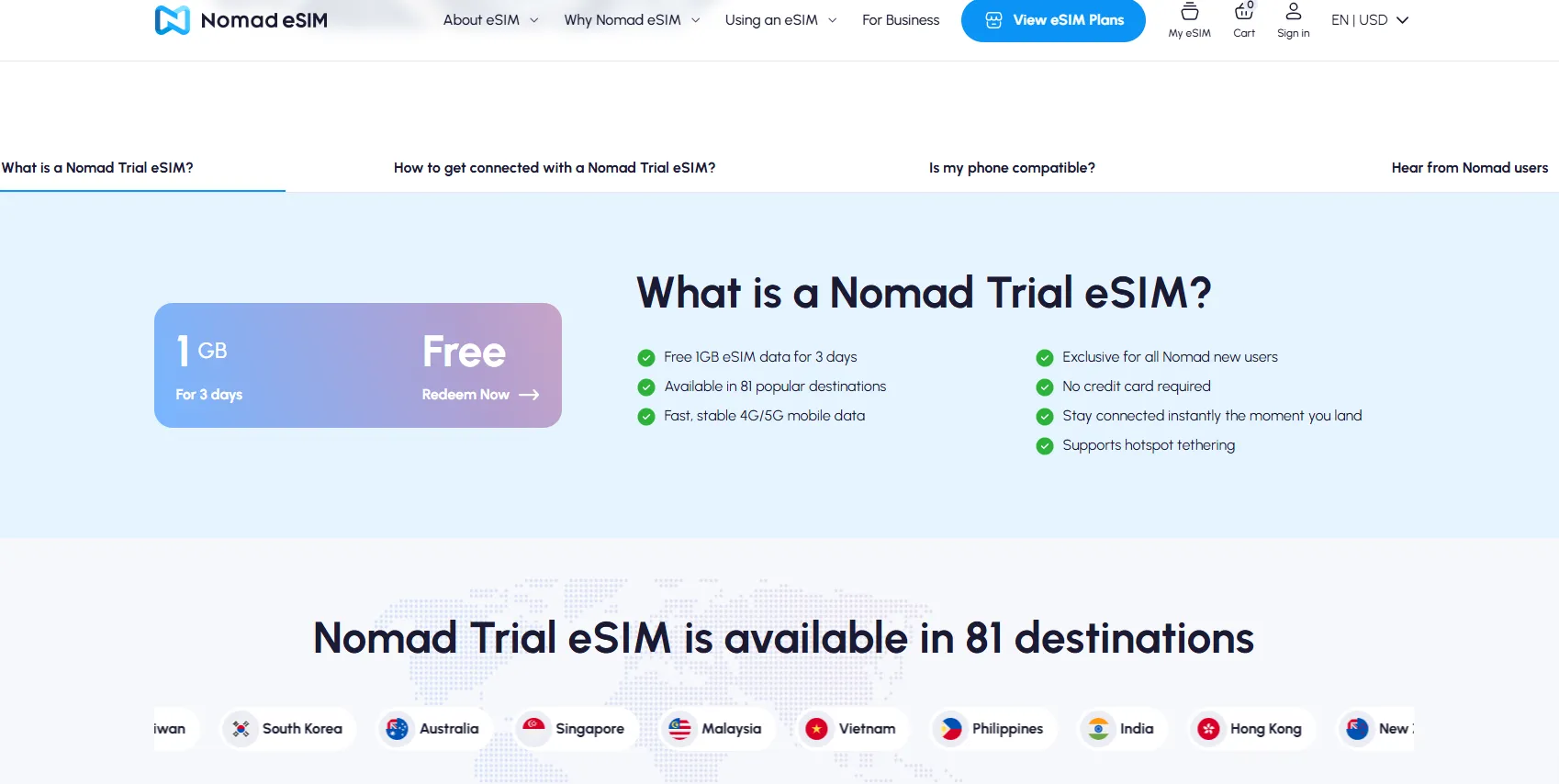
What You Get:
-
1 GB of test data
-
Connects to major tier-1 local carriers (such as CelcomDigi or Maxis)
-
Supports hotspot tethering
- 5G/4G access
Requirements:
-
Exclusive for all Nomad new users.
-
eSIM-compatible device.
How to Activate:
Download the Nomad app from the Apple App Store or Google Play, sign up as a new user, claim the free trial, and install the eSIM via QR code or one-click activation.
If you install the trial more than 15 days before travel, Nomad automatically activates the profile, and the 3-day clock starts counting immediately — even if you haven‘t left home yet. Only claim the trial close to your departure date.
4. GigSky Free Trial
GigSky offers some of the most traveler-friendly free eSIM trials on the market, operating on a "no credit card required" model. This means you can download the app, activate a trial, and use the data without worrying about hidden auto-renewals or unexpected charges when the trial ends.
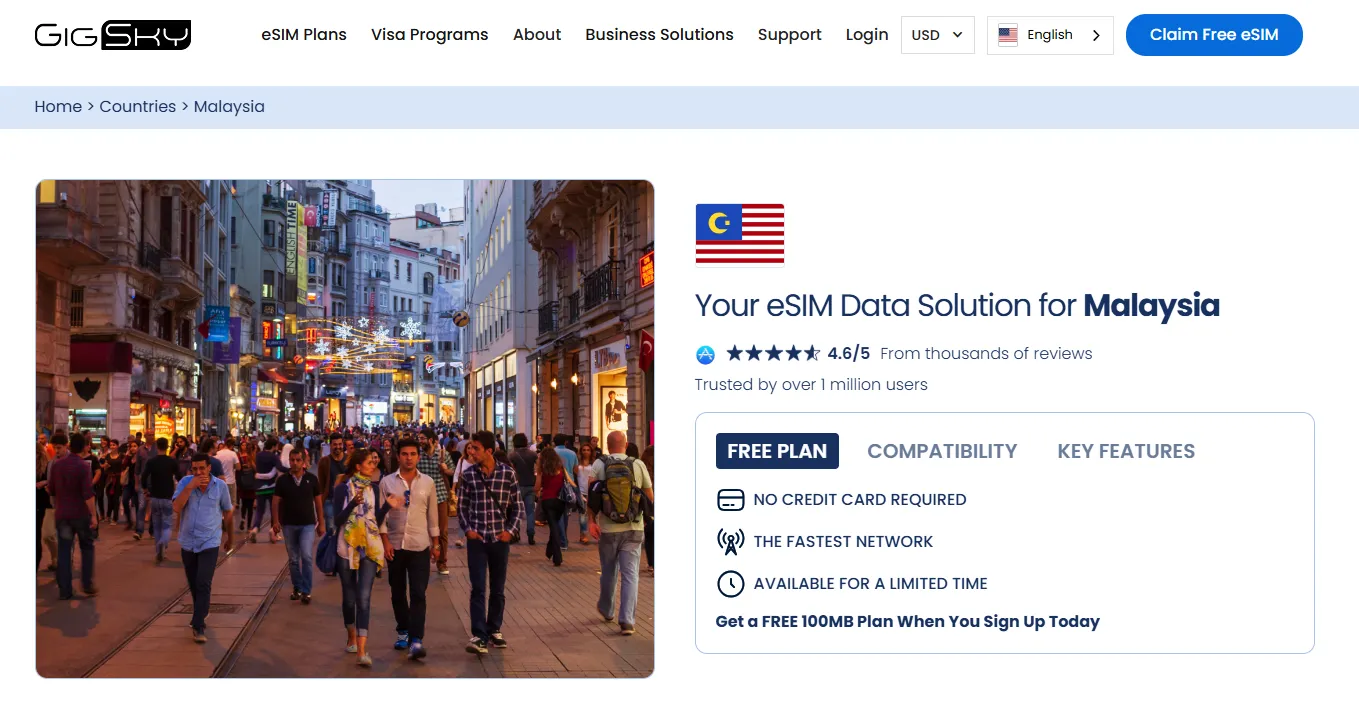
GigSky offers 100MB of free data valid for 7 days across select countries, including Malaysia. The trial is ideal for testing connectivity before committing to a paid plan.
What You Get:
For most individual destinations worldwide (spanning over 175 countries), GigSky offers a baseline 100 MB free trial.
-
Validity: 7 days.
-
The Catch: 100 MB is a very small amount of data. It is strictly meant for "airport essentials"—checking your flight status, sending a couple of WhatsApp messages to family upon landing, or pulling up a hotel address.
Requirements:
-
Exclusive for all new users.
-
eSIM-compatible device.
How to Activate:
Install the GigSky app (iOS; Andriod), select the "Malaysia Free Trial" plan, and set up your profile without inputting credit card details.
5. Eskimo Free Trial
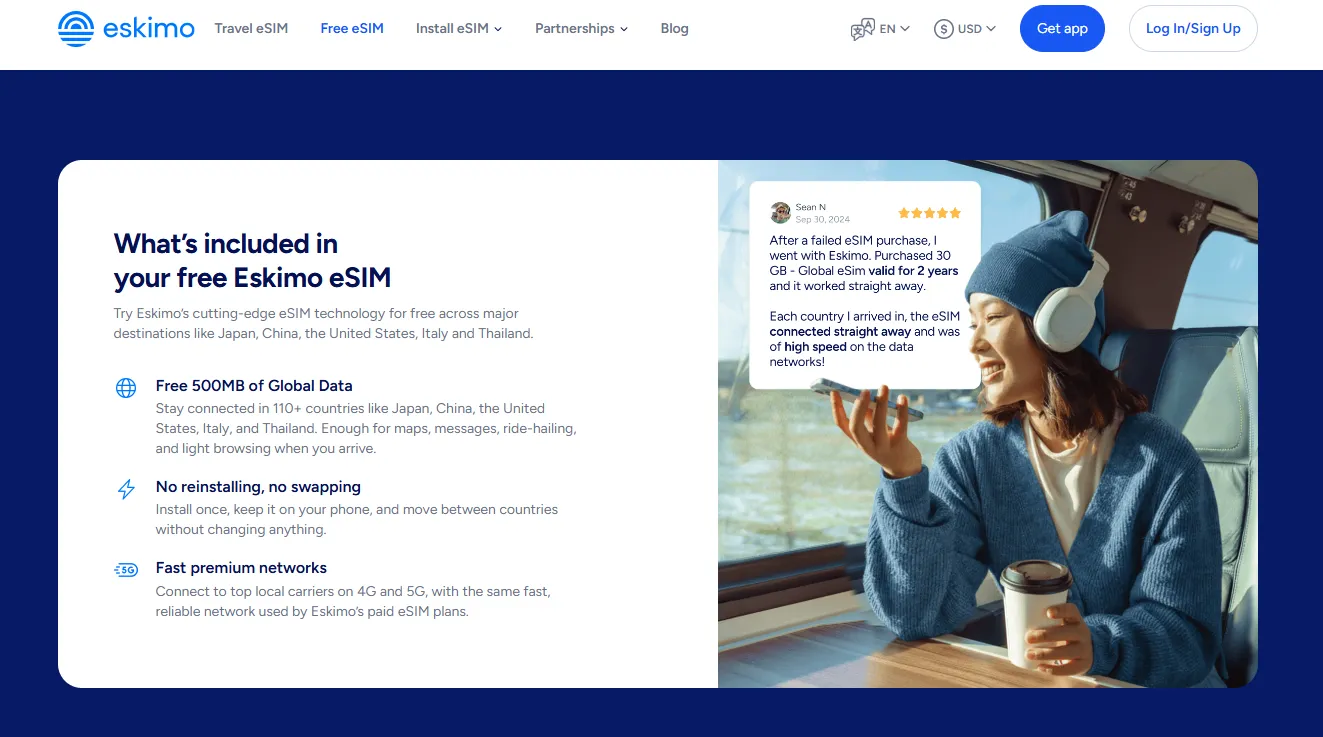
Eskimo provides up to 500MB of global data that remains valid for two years after activation, covering over 160 countries including Malaysia. This is ideal for frequent travelers who want a backup eSIM ready for multiple trips.In Malaysia, Eskimo partners with tier-1 local carriers (like CelcomDigi or Maxis) to provide reliable 4G/5G speeds.
What You Get:
-
500 MB of test data
-
2-year validity
Most eSIM trials give you 3 to 7 days to use your data before it expires. Eskimo’s free trial data is valid for 2 full years. If you only use 100 MB during your trip to Kuala Lumpur, the remaining 400 MB will still be sitting in your account for your next trip.
Requirements:
-
Exclusive for all new users.
-
eSIM-compatible device.
How to Activate:
Download the Eskimo app (iOS; Andriod), sign up as a new user, and claim the free 500MB global eSIM. Install via in-app features or QR code scan.
6. Firsty Free
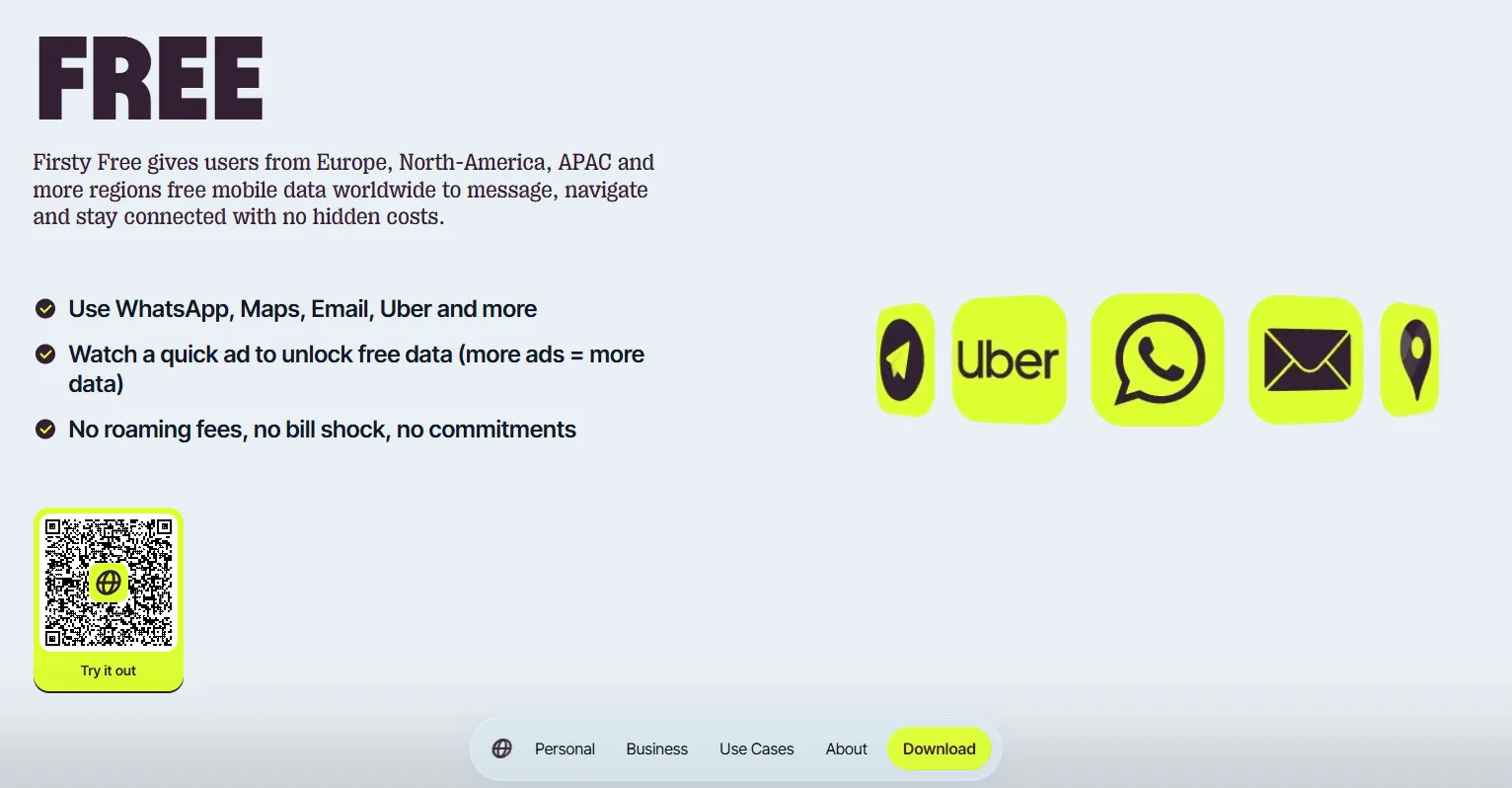
Firsty is a massive disruptor in the travel eSIM space because it is the closest thing to a "free forever" global data plan. Instead of giving you a tiny lump sum of data (like 100 MB or 500 MB) that expires in a few days, Firsty runs on a freemium, ad-supported model. If you are okay with basic speeds and watching a few ads, Firsty can keep you connected globally—including in Malaysia—without you ever opening your wallet.
What You Get:
-
Unlimited low-speed data
-
Works globally
How to Activate:
-
The Mechanism: You open the Firsty app (iOS; Andriod) and watch a 30-second advertisement.
-
The Reward: Watching one ad unlocks 30 to 60 minutes of free, unlimited data.
-
Rinse and Repeat: When your time runs out, your data pauses. You simply open the app, watch another ad, and get another block of free time. You can do this indefinitely.
If you refer a friend to the app, Firsty will give you 7 days of ad-free browsing on the free tier, meaning you won't have to watch any ads for a week to keep the connection live.
Step-by-Step Setup & Activation Guide
To make sure your free trial activates seamlessly the second your plane touches down in Malaysia, follow this timeline:
Step 1: Check If Your Device is eSIM Compatible
Before trying to download or activate any free trial, ensure your smartphone supports eSIM technology.
The Quick USSD Dial Trick (All Devices)
-
Open your phone's default Phone/Dialer app.
-
Dial *#06# (no call button press needed on most phones).
-
A screen will pop up displaying your device identification barcodes (IMEI, etc.).
-
Look for "EID" (Embedded Identity Document). * If you see an EID number listed, your phone supports eSIM!
-
If you only see IMEI or MEID numbers without an EID, your hardware is physical SIM-only.
-
Manual Settings Check
-
iOS: Go to Settings > General > About. Scroll down to "Available SIM" (or "Digital SIM"). If you see an IMEI listed there, your phone supports eSIM.
-
Android: Go to Settings > Connections > SIM manager. If you see an option to "Add eSIM" or "Add mobile plan," your device is compatible.
(⚠️ Note: Carrier-locked phones will not accept tourist eSIMs. Ensure your device is fully unlocked by your home network provider before traveling).
Step 2: Install Before You Fly (On Wi-Fi)
Always download the app and install the eSIM profile while you are still at home or on stable airport Wi-Fi. Do not wait until you land in Malaysia, as you will need an active internet connection to download the profile.
-
Download your chosen app (e.g., GigSky or Roamless).
-
Claim your free trial/credit in the app.
-
Tap Install eSIM. The app will automatically push the profile to your phone’s settings (or give you a QR code to scan).
Step 3: Activate Upon Arrival
When your plane lands in Malaysia:
-
Go to your phone's Network Settings.
-
Turn Off Data Roaming on your primary home SIM card (to avoid accidental roaming charges from your home carrier).
-
Turn On your new travel eSIM profile.
-
Set your Data/Cellular Data line to use the travel eSIM.
-
Ensure Data Roaming is turned ON only for the travel eSIM line.
Pro-Tips for Maximizing Your Free Data in Malaysia
-
Restrict Background Data: Turn off background app refresh for data-heavy apps like Instagram, TikTok, and YouTube. A single auto-playing video on your feed can eat through a 500 MB free trial in less than 5 minutes.
-
Download Offline Maps: Before leaving Wi-Fi, download the offline map of Kuala Lumpur or your destination on Google Maps. This saves your precious free megabytes for booking Grabs (Malaysia's Uber equivalent) and messaging.
-
Timing Matters: Don‘t claim trials too early. Nomad’s trial auto-activates 15 days after claiming. GigSky and Eskimo do not auto-activate — the trial starts only when you first use it, making them more flexible for advance planners.
-
Keep Primary SIM Active: eSIM allows you to keep your home SIM active for calls and texts while using data from the eSIM. Just set the eSIM as your default data line.
-
Label Your eSIMs: Label your home SIM as "Primary" and your free trial eSIM as "Malaysia" or "Travel" in your phone's network settings.
-
Don't Delete the eSIM: If you experience temporary connection drops, do not delete the eSIM profile. Re-installing a free trial eSIM is usually blocked to prevent abuse. Simply toggle Airplane mode or restart your phone to reset the connection.